In this post, we will show you how to create a lead, the first step in working in the app and with your customers.
To get started from any of the the main app pages…
- Tap on the navigator menu icon (three stacked lines, top left)

- Tap on “Leads” from the drop-down list
Once there, at the top right-hand corner there are two options to input lead information…
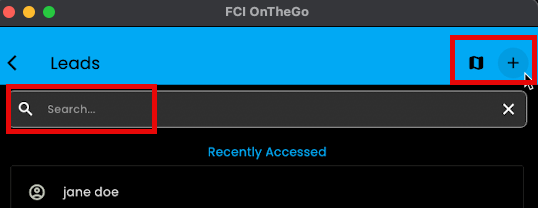
That’s it! You now have created a brand new lead in the app.
Once you have leads in the app, it’s easy to find and work with them. To learn how to use our search feature click here.
PRO TIP: Alternatively, you can access your lead / customer / B2B contact information by clicking on the “+” icon from any of the three main pages in the OTG app
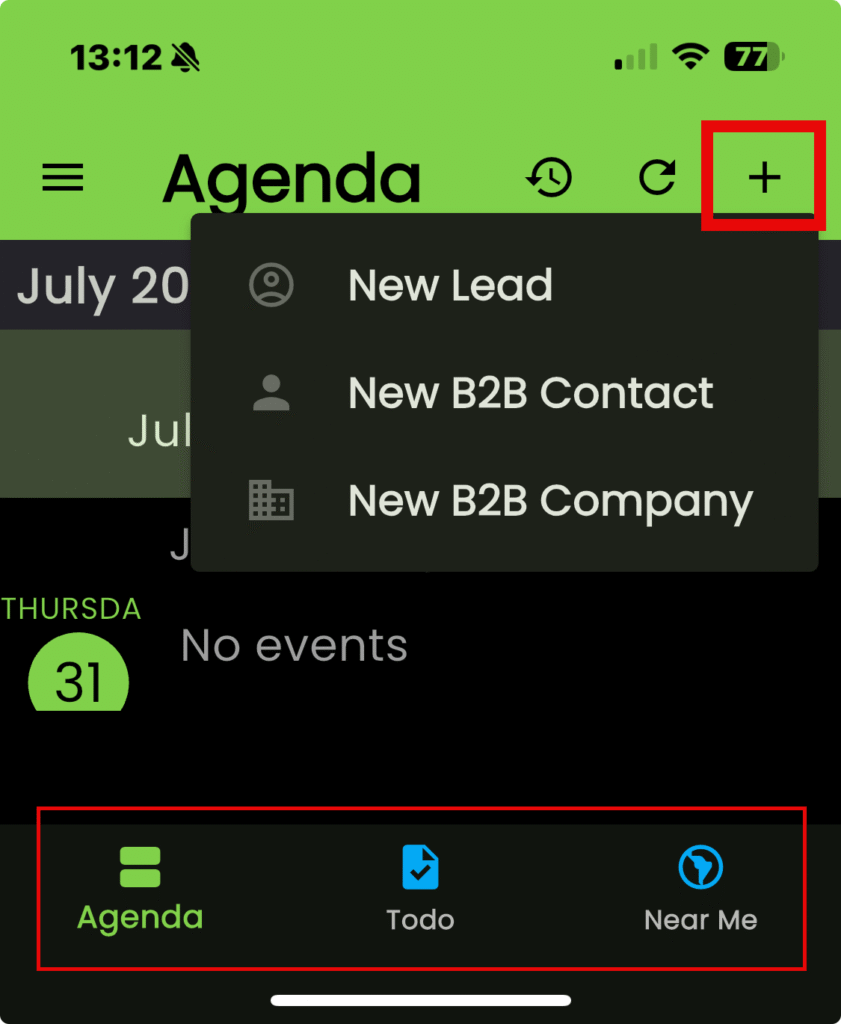
- Tap on the “+” icon
- Tap on “New Lead” from the list