You can quickly find and edit existing leads / customers through our search feature
From the main lead window…
- To search, start typing in the search bar
- Searching is dynamic and changes the returned information as you type
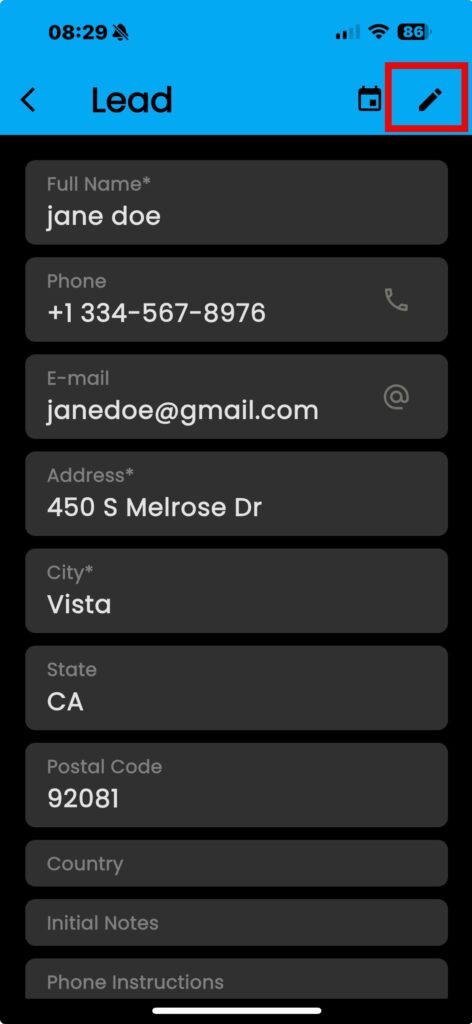
- Tap on the name to pull up the lead
- KEEP IN MIND: this is a contextual field, taping on the address opens the map
- Tap on the “Pencil” icon to edit the information
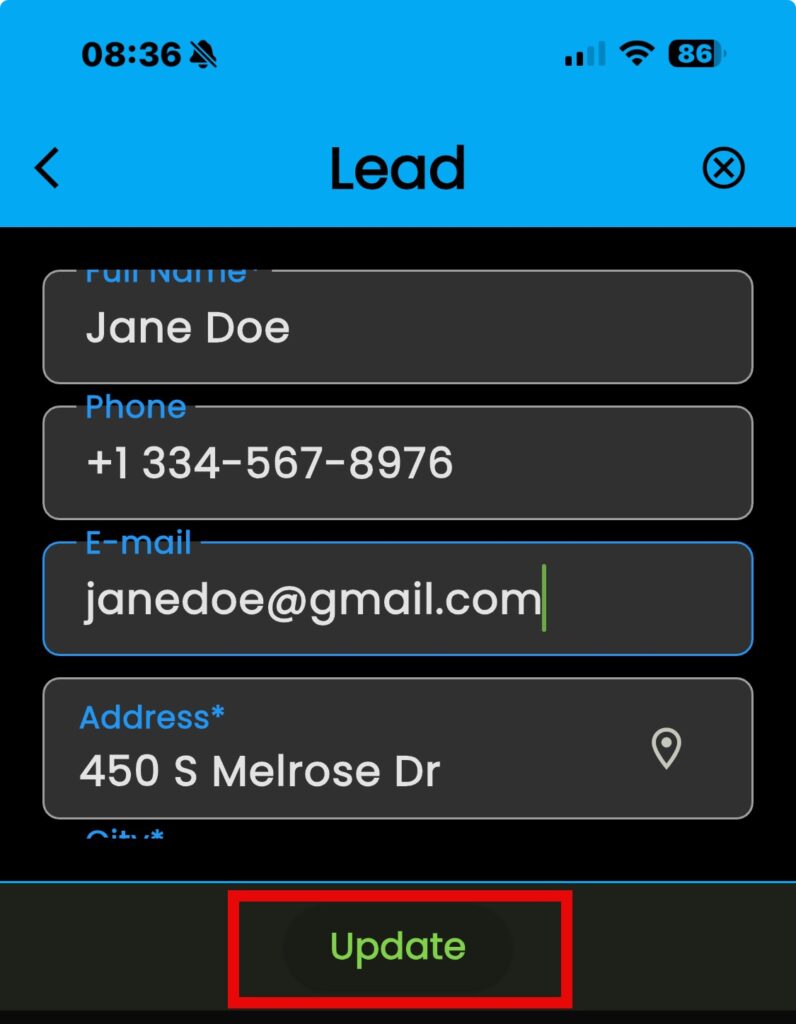
- Tap “Update” to save your changes