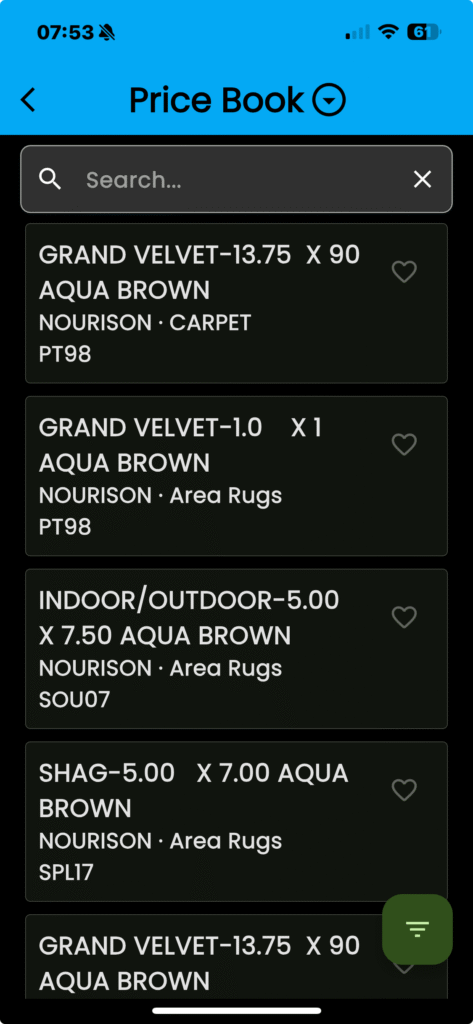
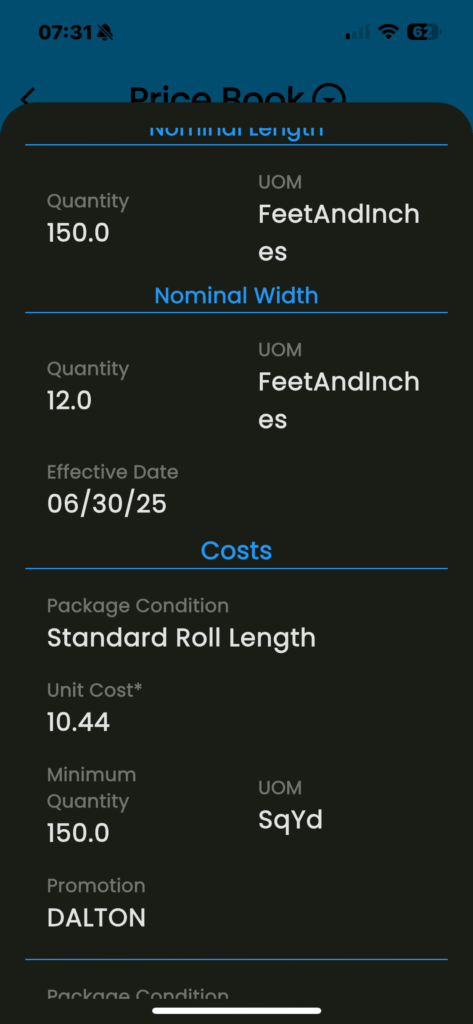
With this new feature your catalog of items is available right from within your fingertips in the app!
- Tap on the navigator menu icon (three stacked lines, top left)
- Tap “Price book” from the menu
- Tap in the “Search” bar
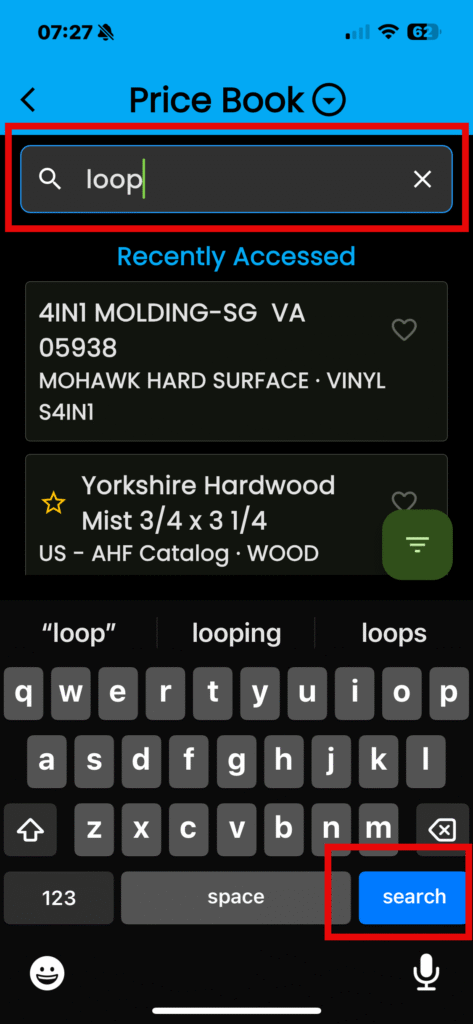
- Tap “Search” from the option on your keyboard
- Tap on a Product to Select it
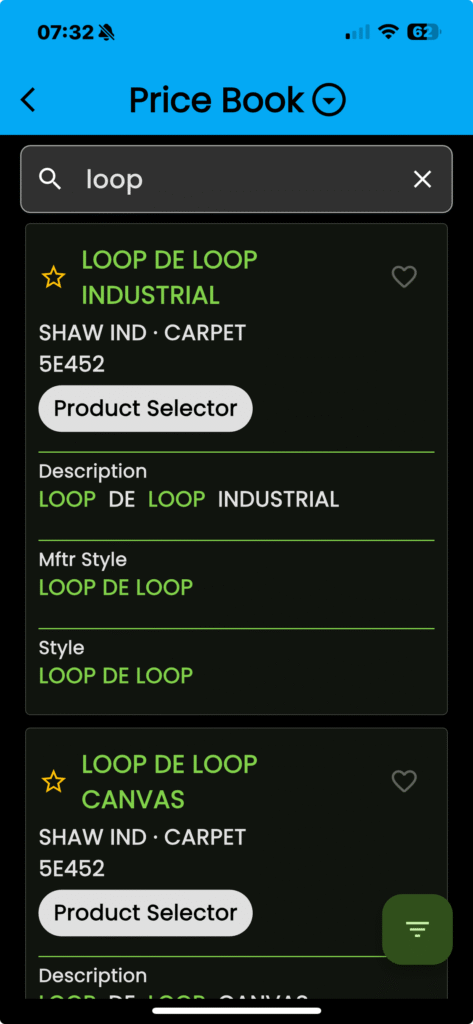
You can view Product IDs, styles and costs.
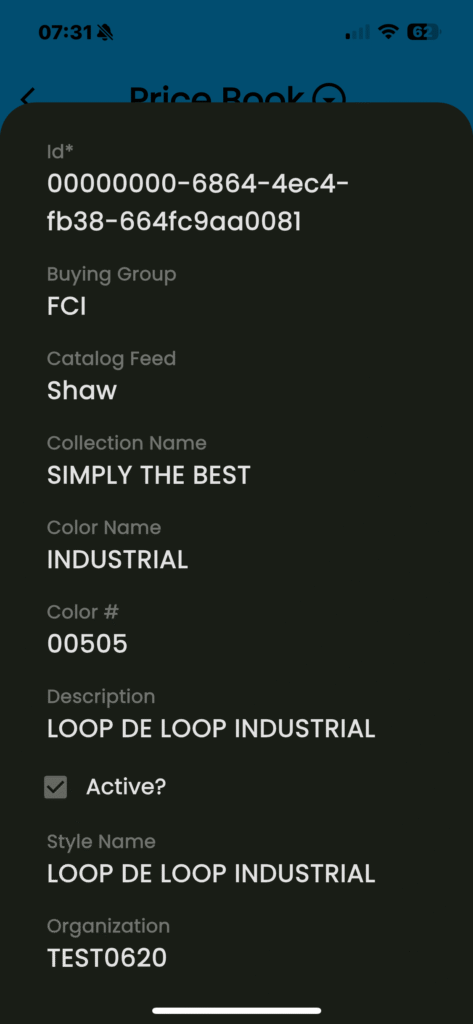
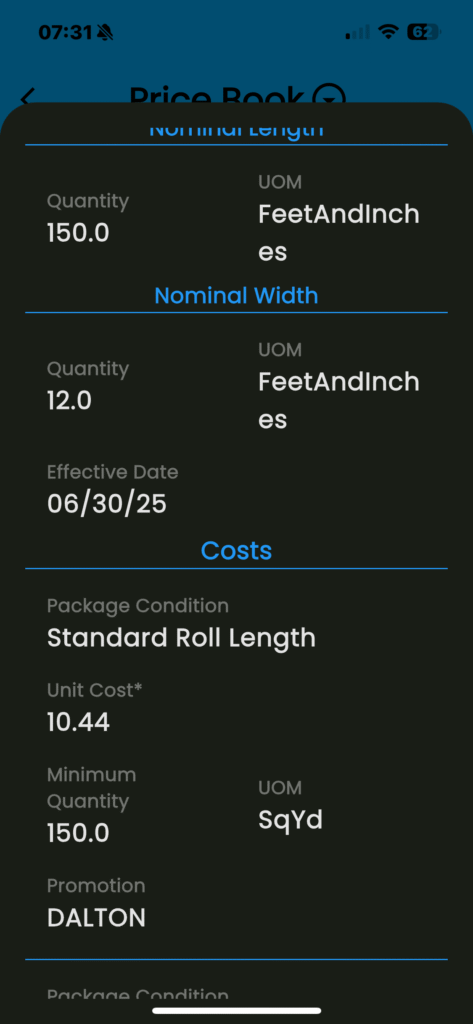
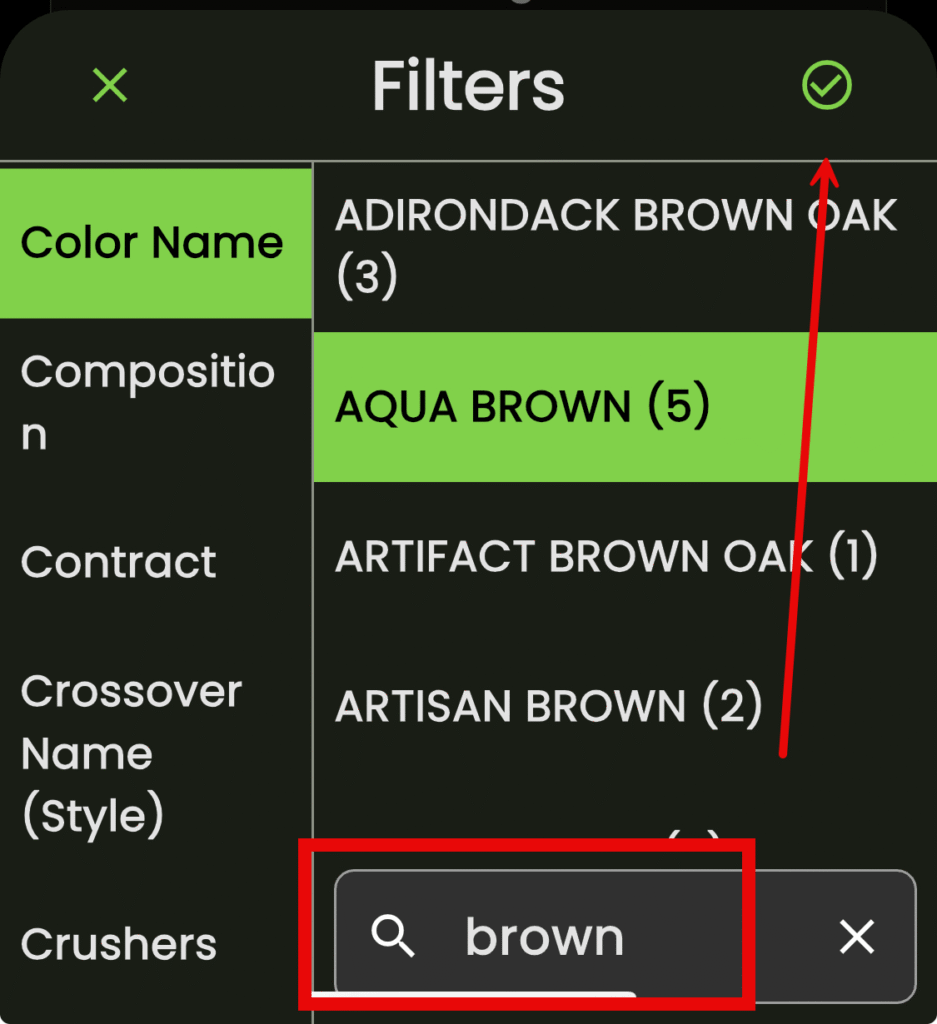
You can also use the filter button to filter for specific items from a list of catagories
- Tap on the “Filter” icon in the lower right corner
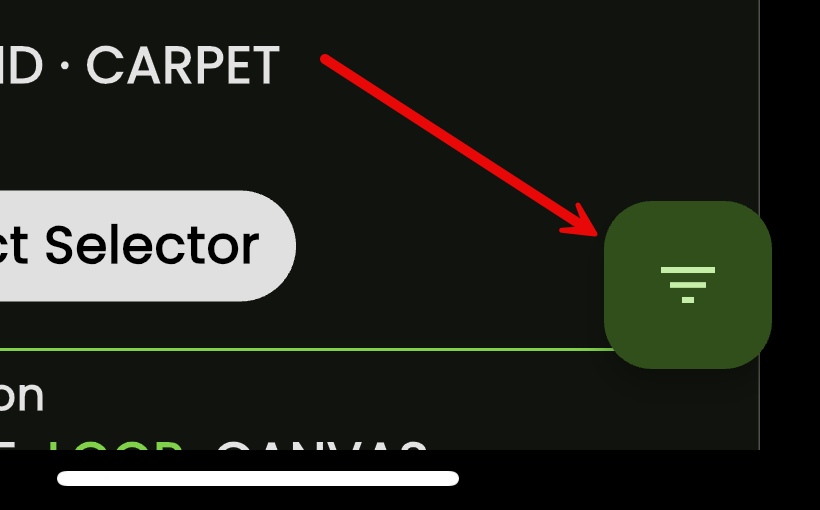
- Scroll through your list of available filters
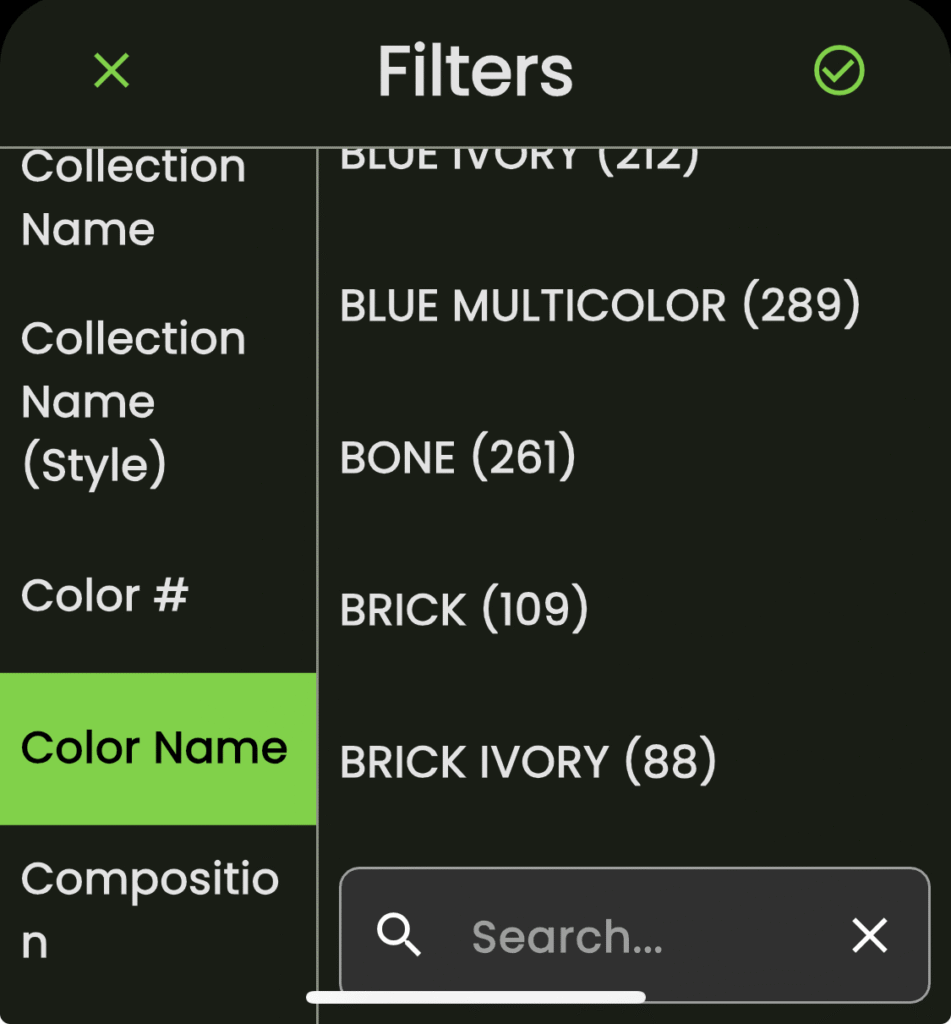
Search within the Product listing using the search bar in the lower right corner
- Tap in the search bar
- Enter your criteria
- Tap “Search” on your keyboard
- Tap the check mark to finalize your selections
- Tap on a product to drill down into its specifics