You can quickly find a lead, contact or company from the main page or from within your leads
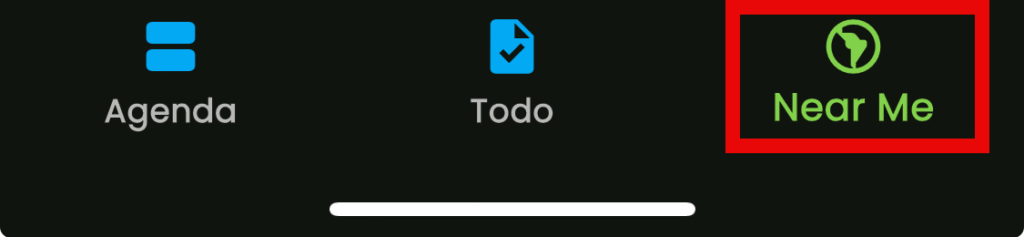
From the bottom of the main page…
From the top in “Leads”
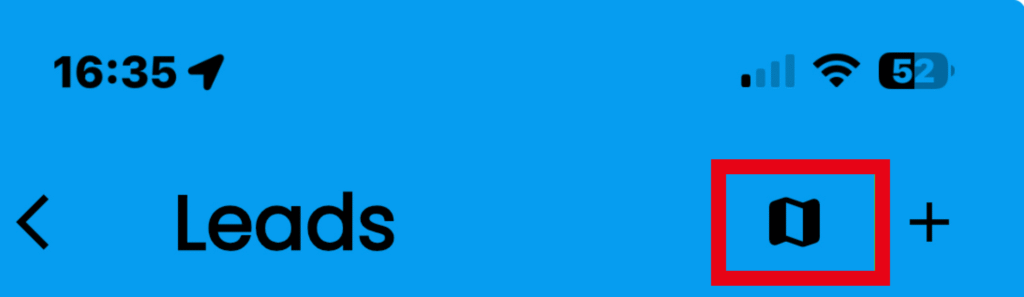
- Tap on the map icon to open
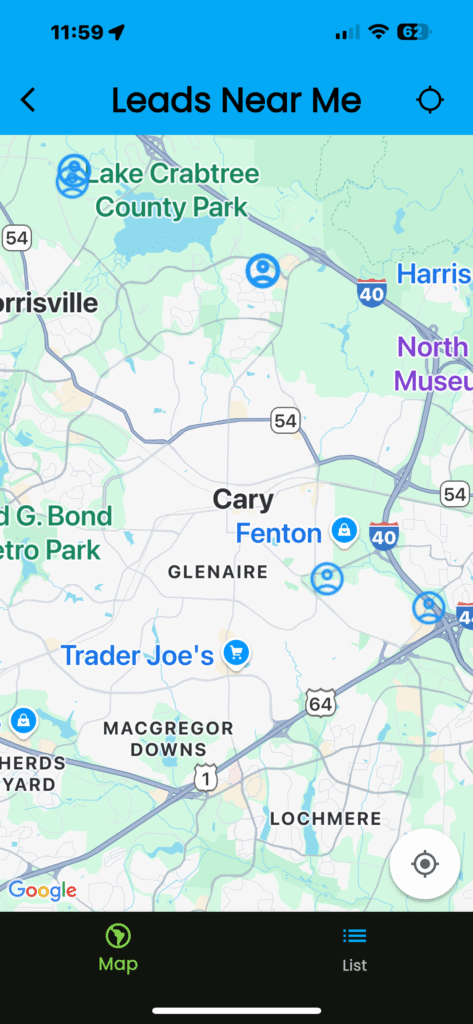
Leads, customers, and B2B contacts near you are highlighted with special icons.

Lead Icon

B2B Contact Icon

B2B Company Icon
- Pinch to zoom in on the map
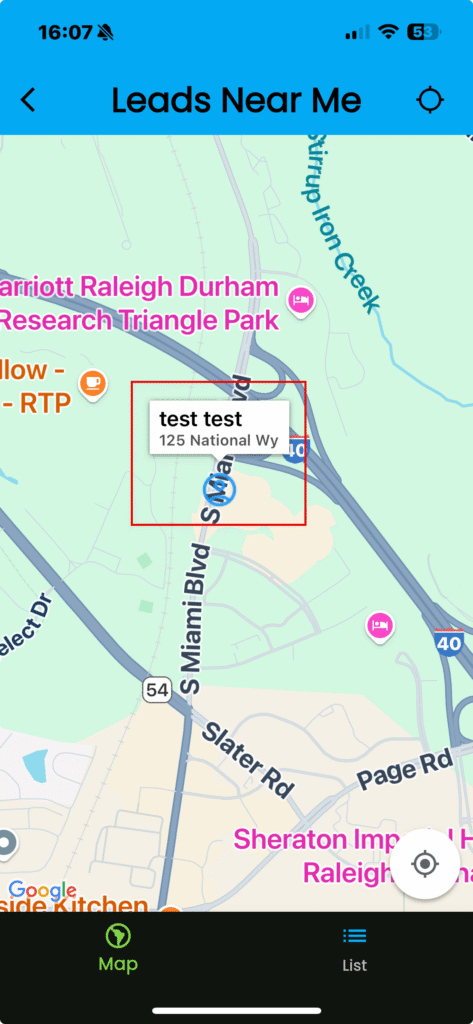
- Tap on the name to show a preview of the lead/customer/B@B contact information
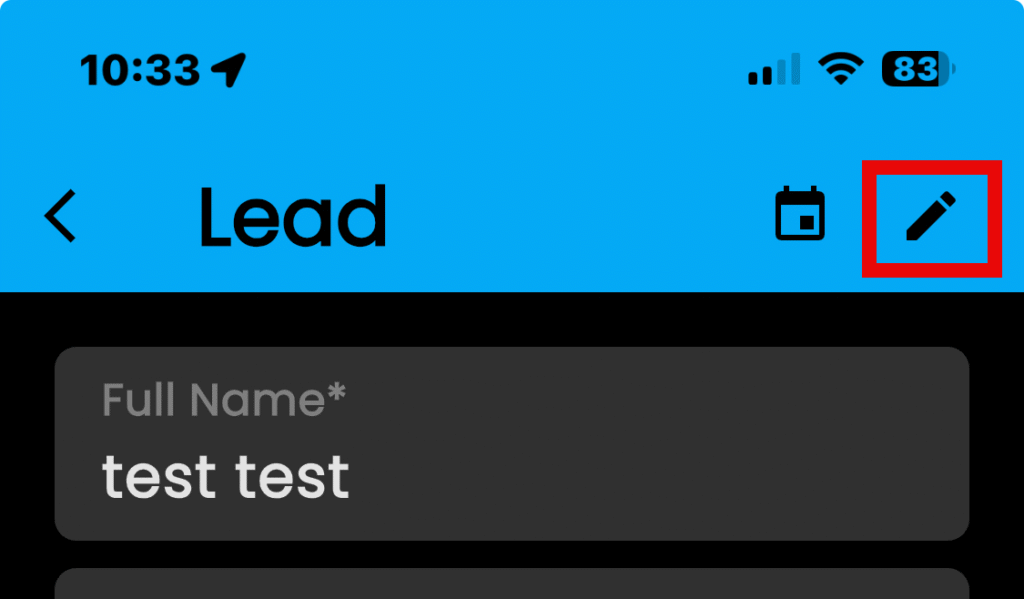
- Tap on the pencil icon to edit the lead
- Tap on “Update” to save it